Did You Know? You Can Now Repost Instagram Stories Even Without Being Tagged
Here’s how to do it!

Published on Jan 5, 2026
Have you caught up with Instagram’s latest update yet? In case you missed it, the social media app has begun rolling out a feature that allows users to reshare other people’s stories—even without a tag!
Here’s exactly how you can do it yourself!
How to Repost Public Instagram Stories, Even Without Being Tagged
When viewing a Story from a public account, tap the arrow icon located at the lower-right corner of the screen. From there, an “Add to Story” option will appear on the lower-left side. Selecting this redirects you to the Story creation interface, where you can make minor edits before reposting.
Once shared, the Story appears in the same format as posts you’ve been tagged in. The original creator’s username is automatically included, which makes sure reposted stories are always clearly attributed.
.jpg?format=original)
.jpg?format=original)
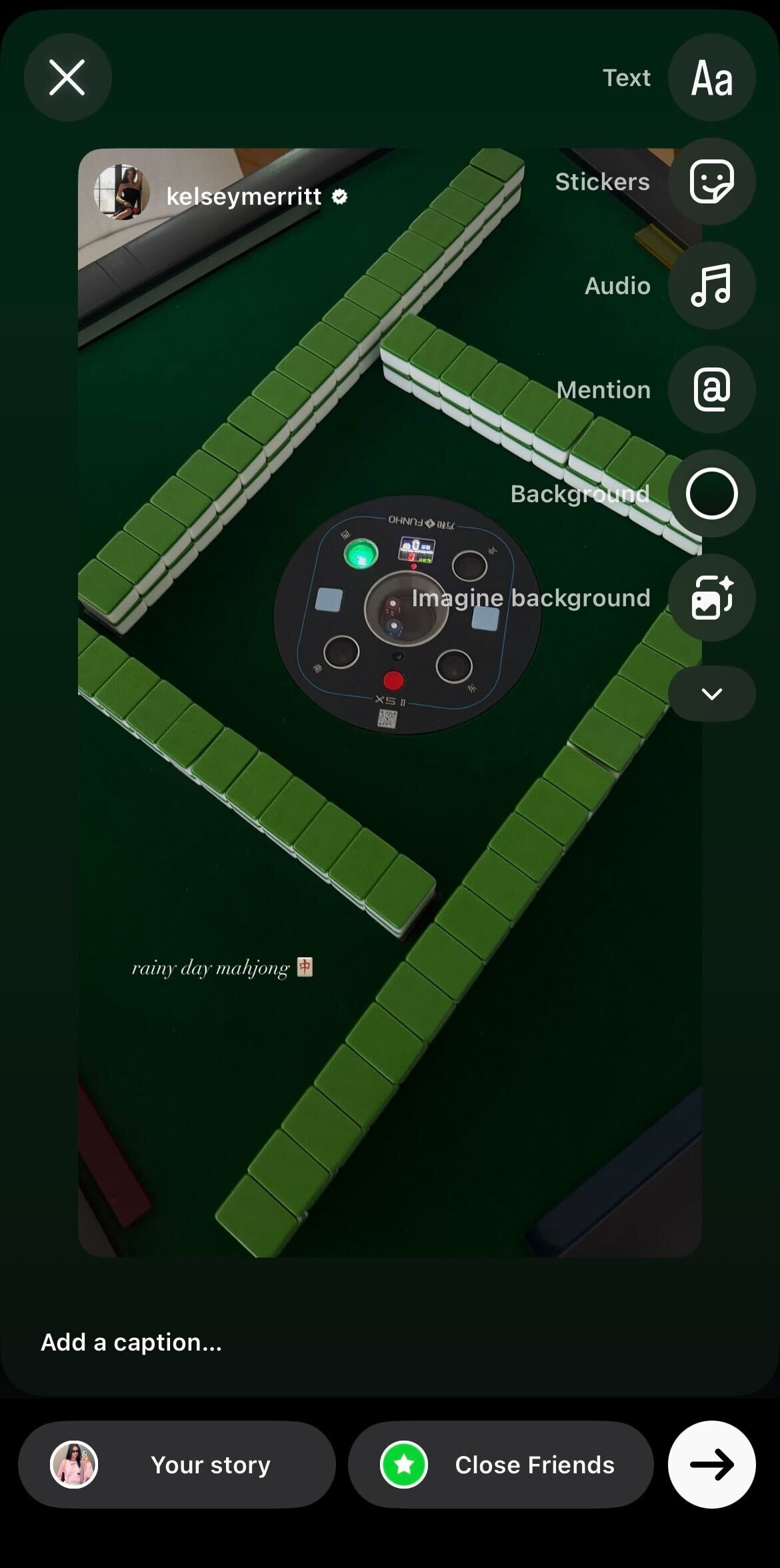
This feature, however, is only limited to public profiles. Stories from private accounts cannot be reshared.
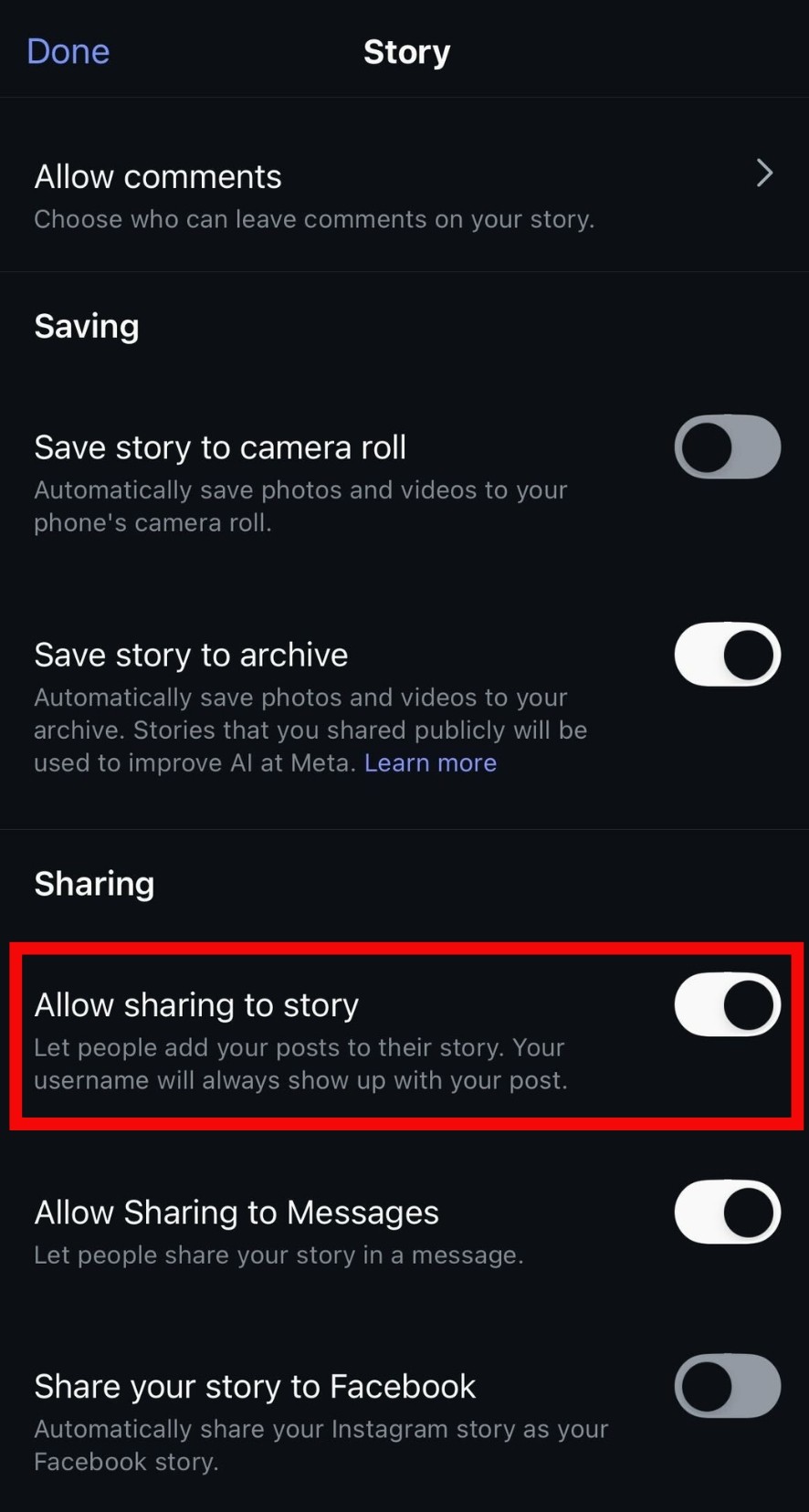
Moreover, users may also choose to disable this option altogether. To do so, head over to your Story Settings and toggle off “Allow sharing to story.” By doing this, other accounts are restricted from reposting your stories on their profiles.

Pau is Preview’s go-to fashion girl. On most days, you’ll find her with coffee in hand, and dressed in an oversized blazer with floor-grazing jeans.