This Free Website Lets You Take Vintage Photobooth Pics Online
No vintage photobooth nearby? Take one at home!

Published on Mar 30, 2026
While there are plenty of photobooths scattered around the metro, sometimes they’re hard to come by—and when you do find one, it usually comes with a price tag. A user named @visarchivess solved this by creating an online vintage photobooth named MySketchBook, which lets you capture retro photostrips right from your phone or computer, completely free.
The website has naturally received the attention of photobooth seekers and analog enthusiasts, with several users sharing their snaps online. Curious? See how to use the site below.
How to Use MySketchBook, the Online Photobooth
Getting started is surprisingly simple, and the process was designed by V, the creator behind @visarchivess, as a passion project to enjoy photobooths from home.
Visit mysketchbook.com.
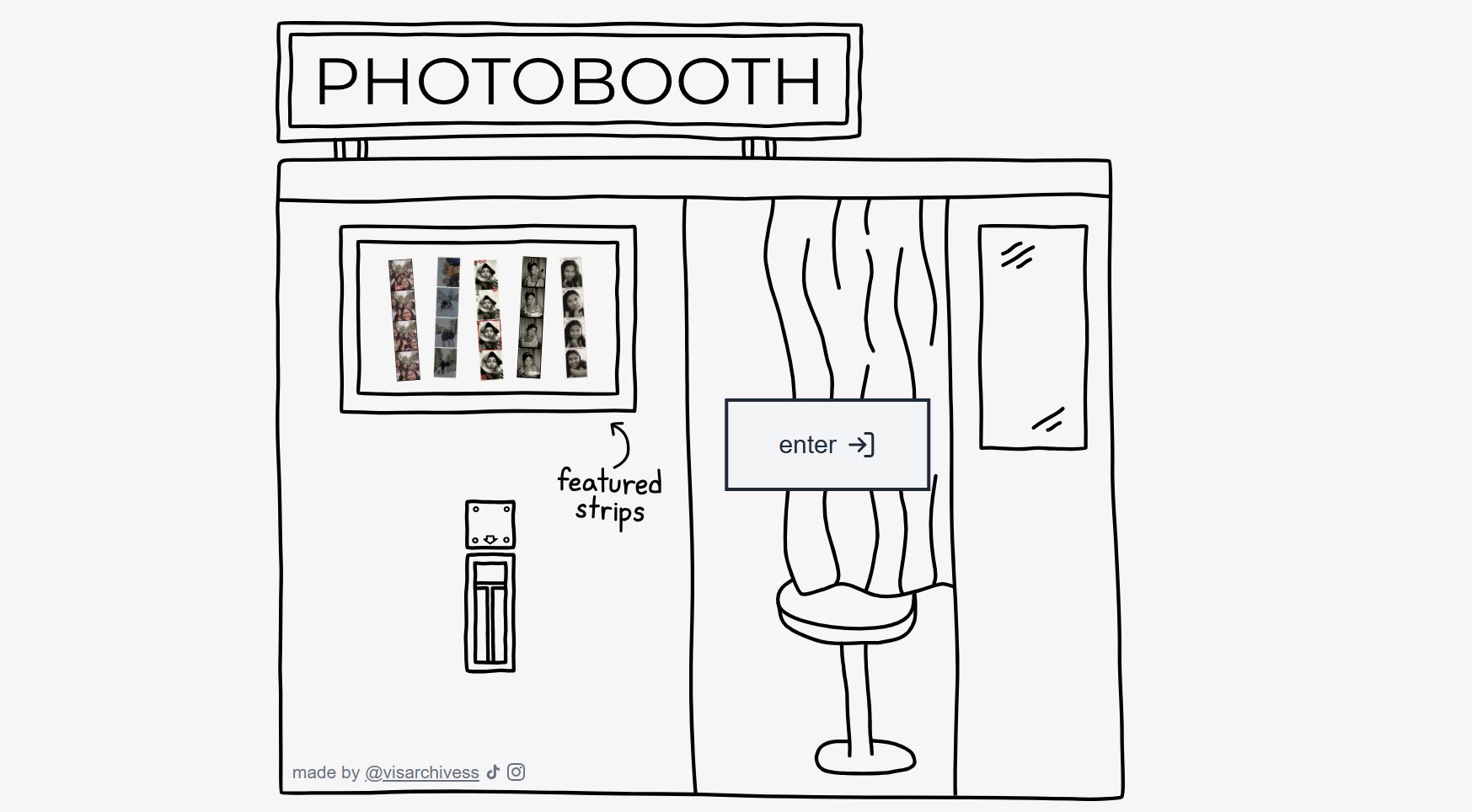
On the homepage, you’ll see a simple doodle of a photobooth. Click "Enter" to start taking your photos.
Choose your filters.
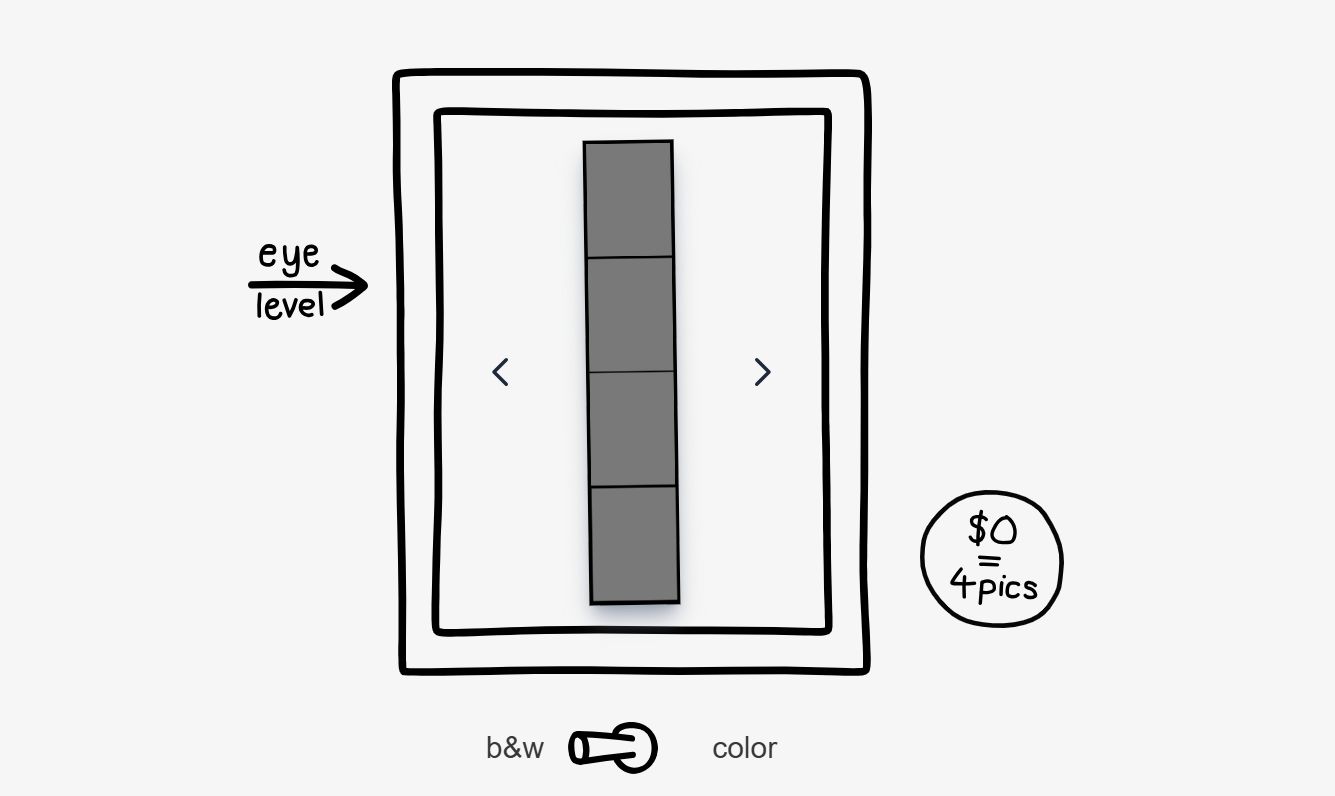
Decide between black-and-white or color photos with the toggle switch.
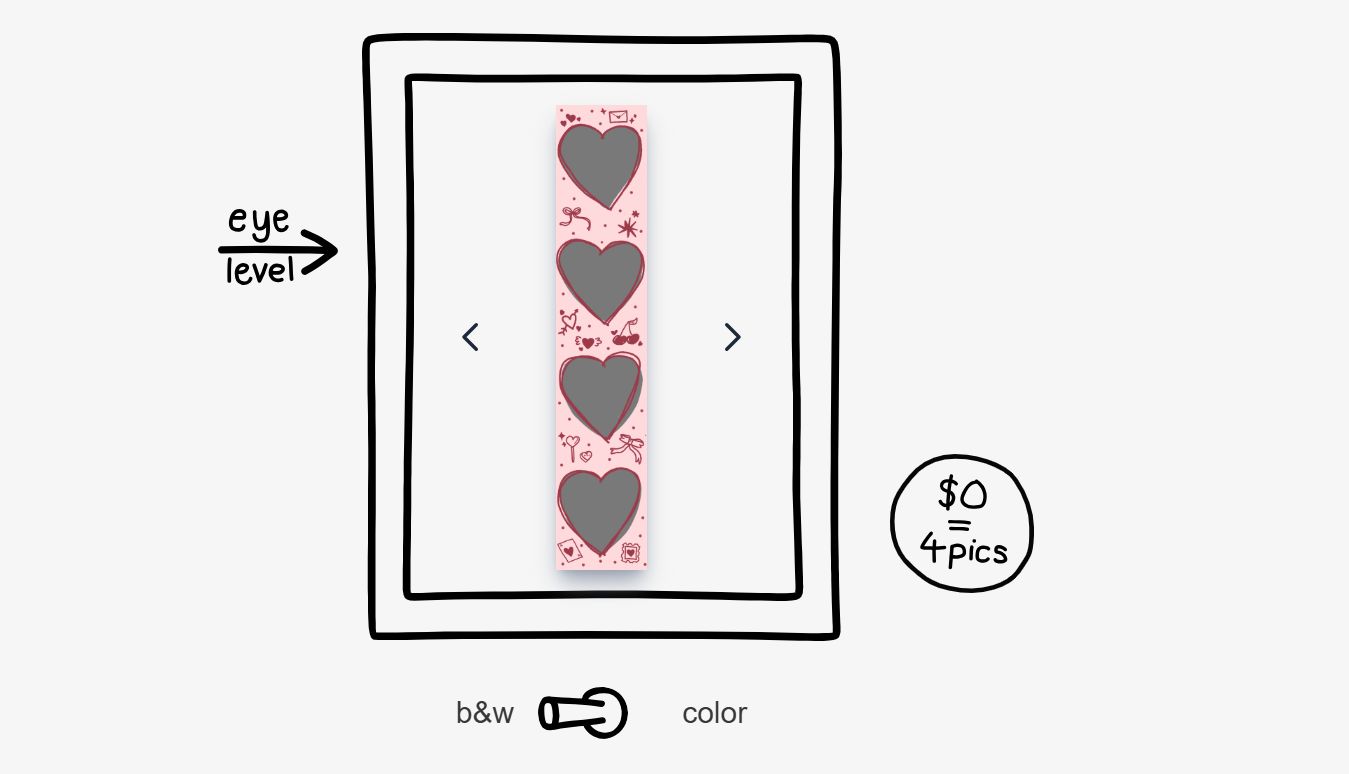
Pick your frame.
Use the arrows on either side to browse frames, then click the green button to select your favorite.
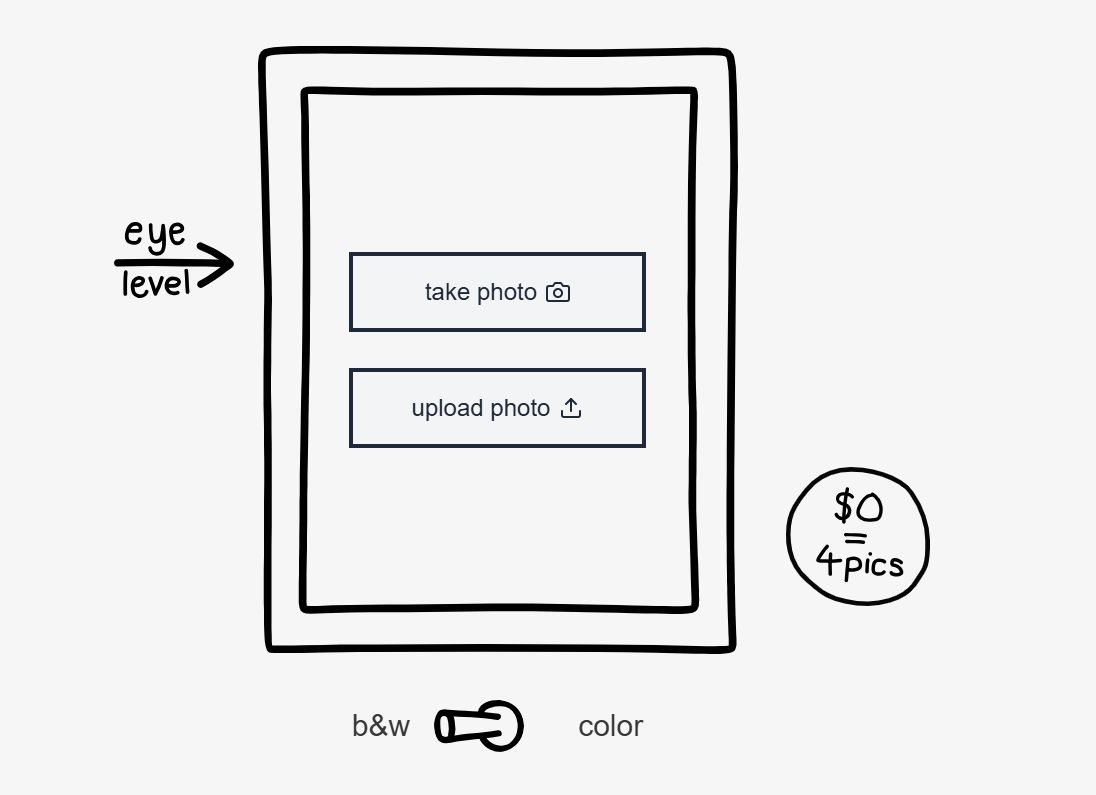
Take or upload photos.
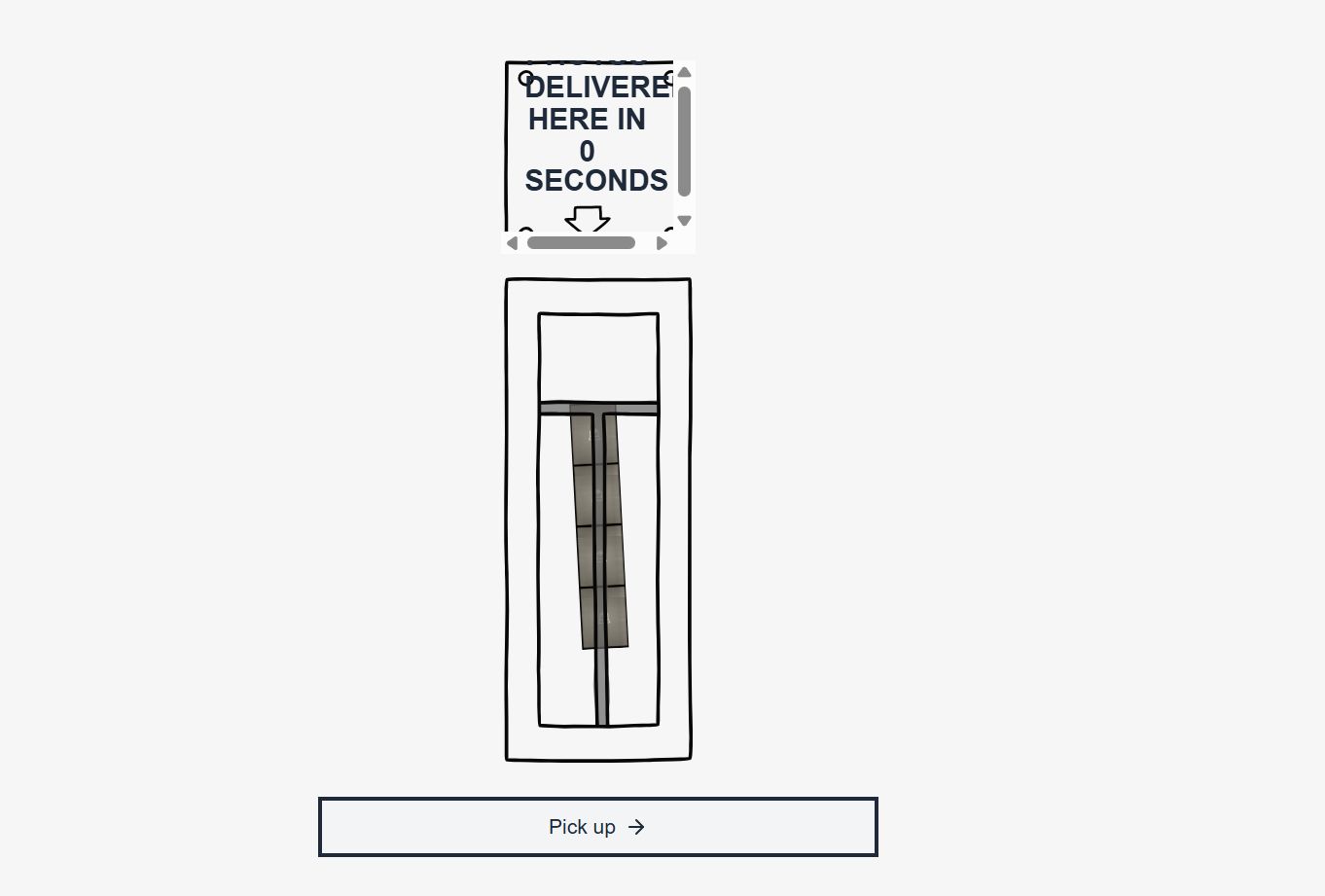
You can snap new photos directly with your camera or upload existing ones. If you take new photos, the site will guide you through four consecutive shots—just like a real photobooth. After each shot, wait a few seconds for the “printing” animation to deliver your photostrip.
Download, share, or restart.
Press “Pick Up” to download your strip, share a link, or start over for another round. There’s no limit to how many photostrips you can create, so feel free to experiment with poses and filters.
The photobooth works on most modern devices—phones, tablets, or computers—and is compatible with Chrome, Safari, Firefox, and Edge. The site also notes that photos aren’t stored in their local database. Everything happens locally in your browser, and images only exist on your device unless you choose to download them. No account or registration is required.
As mentioned on the homepage, V continues to update the site and add features. You can even follow @visarchivess on Instagram or TikTok to keep up with updates and see featured photostrips.

Kat is Preview's Lifestyle Editor, explorer, and occasional rhymer. When not globe-trotting, she's over her computer, writing her next big novel.