Did You Know? Content Creators Are Now Required to Display Their BIR Seal Badge
Content creators must comply by October 31, 2026 to avoid fines and penalties.

by Firas Abboud
Published on Oct 11, 2026
If you have been chronically online, then you probably have noticed some of your favorite content creators post a "QR code" from the Bureau of Internal Revenue (BIR). Well, that code is actually called a BIR Registration Seal Badge.
Designed for public display online, the badge is a standardized proof of the content creator's BIR registration. It does not, however, replace the Certificate of Registration itself.
Did You Know? Content Creators Are Now Required to Display Their BIR Seal Badge
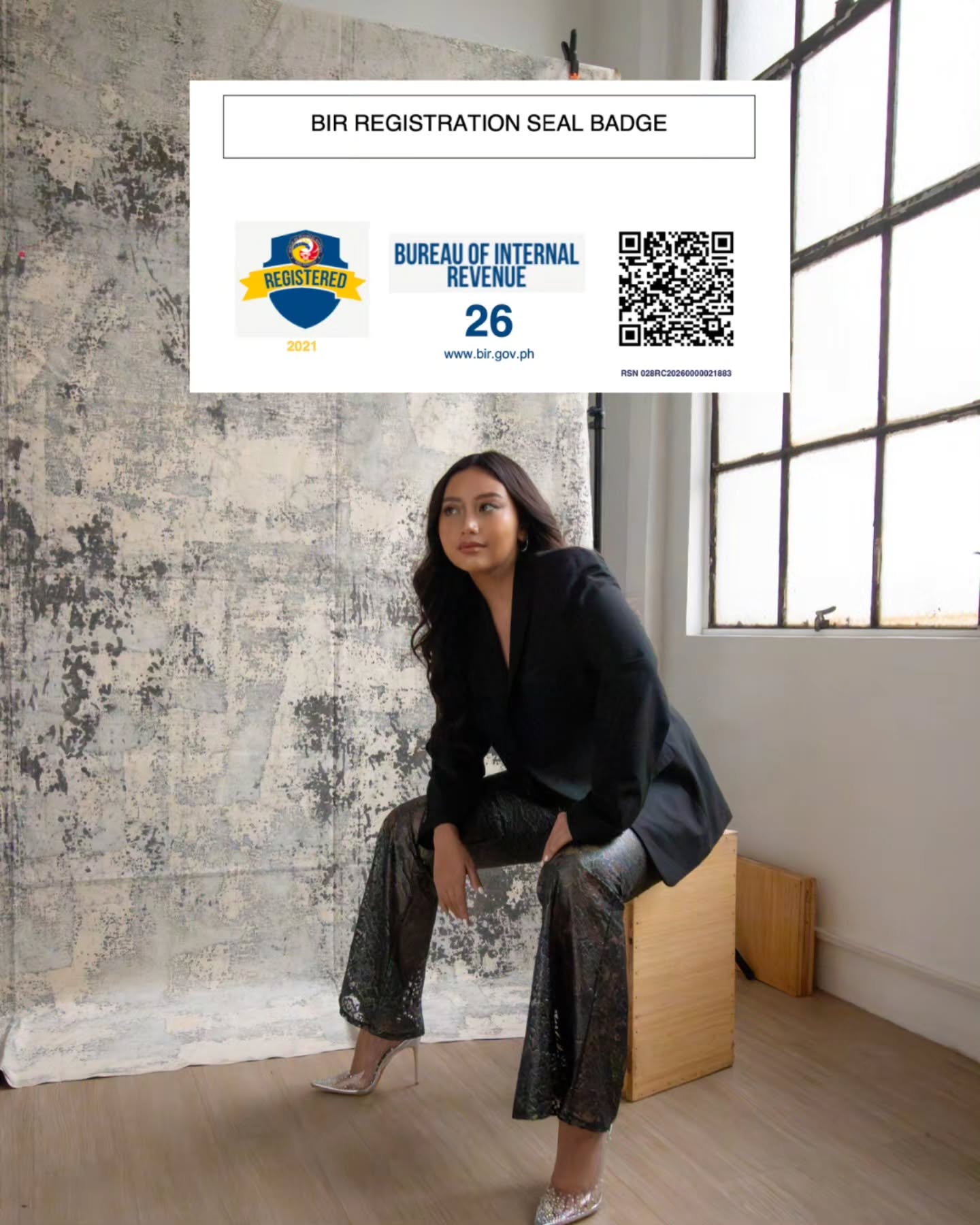
Issued last April 29, BIR introduced the Registration Seal Badge under Revenue Memorandum Circular (RMC) No. 38-2026. The circular is an implementation of the online proof-of-registration requirement for taxpayers engaged in online selling, online services and/or e-commerce activities, specifically individials and non-individuals described as:
Online content creators
Retail sale via internet
Retail sale via mail order
Retail sale via telephone order
Online tutorial services
The badge addresses the concern of privacy—instead of requiring taxpayers to publicly post their full certificate containing personal information, the badge contains a QR code that verifies the authenticity and validity of the registration.
When displaying, the badge should be posted on the following:
Taxpayer's website or own mobile application—Any page or link in the website, such as: About Page, Company, Government Compliance, Business Permits
E-commerce platforms and mobile applications—At the mobile app Support Page, About, App Setting, under links such as Goverment Compliance or Business Permits
Sellers, merchants or service providers with accounts or doing business or with sales transaction on e-commerce platforms or mobile applications or website—seller's or merchant's page, profile, store or shop details, marketplace or business page
Content creators are given until the 31st of October to comply (how to generate the BIR Registration Seal Badge), bearing in mind that the displayed badge should be clear, readable, unaltered, and complete with design elements and QR code preserved. For existing business taxpayers, to generate the BIR Registration Seal Badge:
Go to the ORUS website and log-in to your account.
Click <Update Information> and <Correction/Change/Update of Registration>.
Click the <Update Information> button.
Select whether “Head Office” or “Branch” and click <Validate>.
Click <Information to Update> to view the dropdown list.
Select the information you want to update and fill out the necessary fields applicable to the said update.
Review the details reflected on the “Summary” page, check the three (3) boxes, and click <Submit Application>.
You will be redirected to the ORUS Profile page. Pay the Php 30.00 loose Documentary Stamp Tax (DST) to generate the updated BIR Certificate of Registration (COR).
Select on any of the payment channels available in ORUS. Once selected, you will be redirected to the payment channel’s site outside of ORUS where you will make your payment.
Once paid, you will be redirected to the profile page of ORUS where you can now generate your COR and Authority to Print, if applicable.
Throughout the extension period, BIR informed taxpayers that they will not face penalties arising solely from failure to display it. After that, however, the existing rules provide for a ₱1,000 penalty for certain failures to post proof of registration.
Firas is an eclectic millennial whose life revolves around beauty, books, and banter. He is guided by Joan Didion and Carrie Bradshaw.